
Mac guides.
Keep your Mac awake.
A little know-how for a smoother Mac day. Find practical steps for sleep settings, Mouse Jiggler setup, scheduling, and troubleshooting.
Latest guides & updates.
Caffeinate Command on Mac: Keep Awake, Set a Timer & Stop
UpdatedUse the Mac caffeinate command with practical -i, -d, and -t examples. Keep the screen or system awake, verify the request, and stop it with Control-C.
Read the guide
Keep Your Mac Awake While Locked: A Caffeinate Setup
UpdatedKeep a Mac awake while its screen is locked. Set a caffeinate timer, check the sleep request, and test a download without removing your password protection.
Read the guide
Mouse Mover for Mac: Movement, Clicks, and Scroll Explained
UpdatedSet up Mouse Jiggler’s Movement Range and timing on Mac. Learn how cursor movement, clicks, scrolling, and Key Press controls fit a deliberate session.
Read the guideStart here.
Five essentials, always close at hand.
Browse by topic.
Each topic starts with its latest guides and meaningful updates.
27 guides
Keep Mac Awake
Understand sleep, keep a task running, and choose when your Mac rests.
Caffeinate Command on Mac: Keep Awake, Set a Timer & Stop
UpdatedUse the Mac caffeinate command with practical -i, -d, and -t examples. Keep the screen or system awake, verify the request, and stop it with Control-C.
Read the guideKeep Your Mac Awake While Locked: A Caffeinate Setup
UpdatedKeep a Mac awake while its screen is locked. Set a caffeinate timer, check the sleep request, and test a download without removing your password protection.
Read the guide
Keep your Mac awake on battery without leaving it on all day
UpdatedPlan a short awake session, choose whether the display needs to stay on, and set Mouse Jiggler’s battery and stop controls deliberately.
Read the guide
How to Keep Your Mac Awake Without Touching the Mouse
UpdatedKeep your Mac awake without touching the mouse or keyboard. Compare macOS settings, timed caffeinate commands, and the Mouse Jiggler menu-bar app.
Read the guide
Does Time Machine Back Up When Your Mac Sleeps?
PublishedLearn when Time Machine can back up during sleep, how to keep a Mac awake for a backup, and how to check that the backup actually finished.
Read the guide
Do Downloads Continue When a Mac Sleeps? Settings & Fixes
UpdatedKeep Mac downloads running with the screen off. Use timed awake settings, resume Safari or Chrome downloads, and fix common transfer errors.
Read the guide
Can you keep a MacBook awake with the lid closed?
UpdatedUnderstand supported external-display setups, power and accessory requirements, and why an awake utility is not a closed-lid workaround.
Read the guide
Keep your Mac awake during a presentation
UpdatedPrepare your display, rehearse a long pause, and choose a timed awake session for a presentation, demo, or workshop.
Read the guide
Mac sleep, display sleep, and screen lock: what’s the difference?
UpdatedA dark screen does not always mean a sleeping Mac. Learn which setting controls the display, background work, and access to your desktop.
Read the guideSetup & Scheduling
Install Mouse Jiggler, allow input access, and build a session that fits your day.
Mouse Mover for Mac: Movement, Clicks, and Scroll Explained
UpdatedSet up Mouse Jiggler’s Movement Range and timing on Mac. Learn how cursor movement, clicks, scrolling, and Key Press controls fit a deliberate session.
Read the guide
Mouse Jiggler App Settings: Build a Short, Controlled Session
UpdatedConfigure a Mouse Jiggler session with Movement Range, idle delay, repeat interval, stop time, and optional app conditions. Check one control at a time.
Read the guide
How to schedule Mouse Jiggler on Mac
UpdatedSet working hours, choose repeat days, and use a stop time or app condition to control when Mouse Jiggler runs.
Read the guide
Mouse Jiggler Download for Mac: Install & Set Up
UpdatedDownload Mouse Jiggler for Mac from the App Store, locate its menu-bar panel, enable Accessibility access, and check your first movement session.
Read the guide
Mouse Jiggler USB Compatibility: Mac Ports, Adapters, and Hubs
UpdatedCheck a USB mouse jiggler’s connector, Mac compatibility, hub connection, and power before troubleshooting its movement.
Read the guide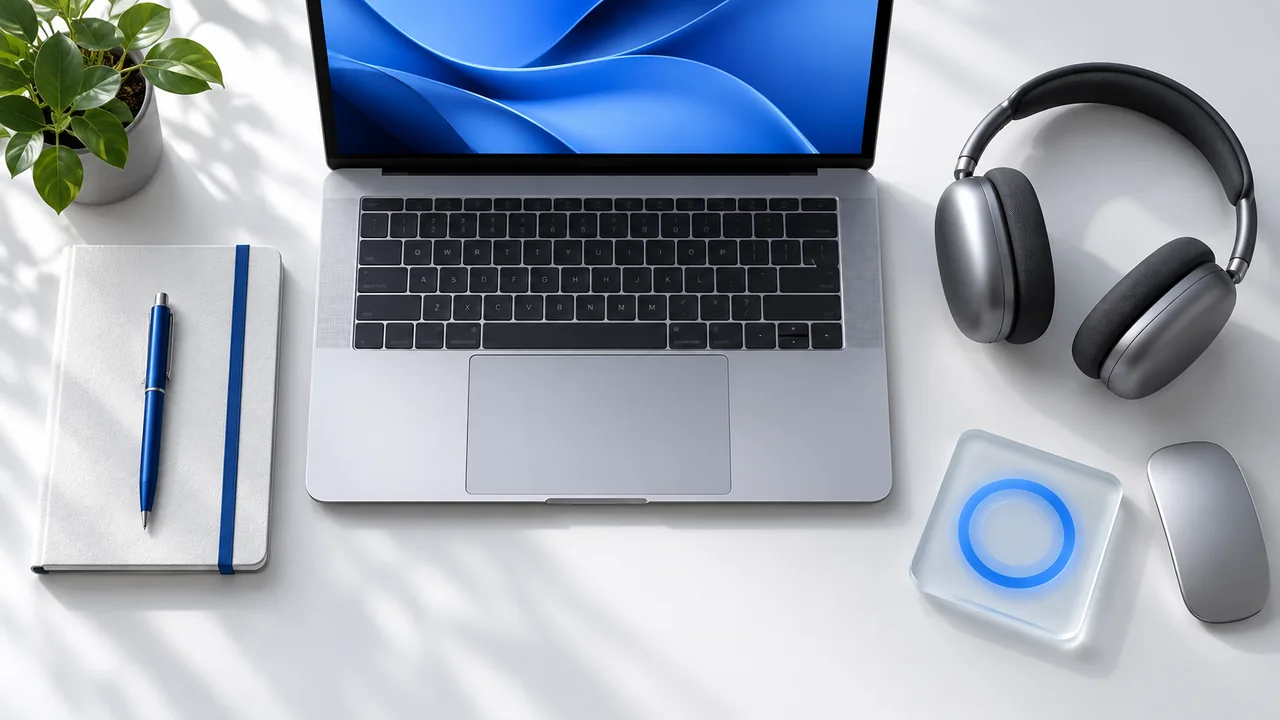
Five useful Mac workflow tools for focused work
UpdatedBuild a smaller, more intentional Mac toolkit around task capture, focus sessions, pointer visibility, repetitive input, and awake sessions.
Read the guide
Download Mouse Jiggler Safely: Check the Source and Permissions
UpdatedBefore you download Mouse Jiggler, check the developer’s destination, understand macOS security prompts, and review the permissions the app requests.
Read the guide
Enable Accessibility permission for Mouse Jiggler on Mac
UpdatedEnable Mouse Jiggler input access: Device Control and Data Access on macOS 27, or Accessibility on macOS 13–26. Find the right permission and check movement.
Read the guideTroubleshooting
Find the cause of stopped movement, unexpected sleep, or meeting-status changes.
Mouse Jiggler not working on Mac? Check these settings
UpdatedTroubleshoot missing cursor movement, idle delays, schedules, app conditions, screen-lock behavior, and Accessibility access.
Read the guide
Mouse Jiggler Online Troubleshooting: Why Your Mac Still Sleeps
UpdatedDiagnose an online mouse jiggler that stops working: check the tool’s method, tab visibility, browser support, and the difference between screen and system sleep.
Read the guide
Mac going idle during Zoom or Google Meet? What to check
UpdatedSeparate screen sleep, meeting disconnections, and Zoom presence. Check the right settings before adding an awake session.
Read the guide
How to find what is keeping your Mac awake
UpdatedUse Activity Monitor and a read-only Terminal check to identify sleep-prevention requests, then verify that your awake session has ended.
Read the guide
Why Microsoft Teams Shows Away on Mac: Settings & Fixes
UpdatedTeams showing Away on your Mac? Check your manual status, activity, calendar, and sleep settings, then distinguish presence changes from Mac inactivity.
Read the guideComparisons
Compare apps, USB devices, browser tools, and the claims behind them.
Choosing a mouse jiggler for Mac in 2026
UpdatedA practical checklist for choosing a Mac mouse jiggler: movement controls, permissions, scheduling, stopping conditions, and privacy.
Read the guide
Undetectable Mouse Jiggler: What the Claim Does and Doesn’t Mean
PublishedUnderstand why “undetectable mouse jiggler” is not a universal guarantee. Separate USB visibility, installed software, cursor activity, and chat presence.
Read the guide
Best Mouse Jiggler for a Shared Mac: Controls to Compare
UpdatedChoose a mouse jiggler for a shared Mac by comparing clear stop controls, predictable sessions, startup behavior, and an easy handover.
Read the guide
Online Mouse Jiggler for Mac: What Works and What Doesn’t
UpdatedCan an online mouse jiggler keep your Mac awake? Learn the difference between a browser screen wake lock, an animated pointer, and a native Mac app.
Read the guide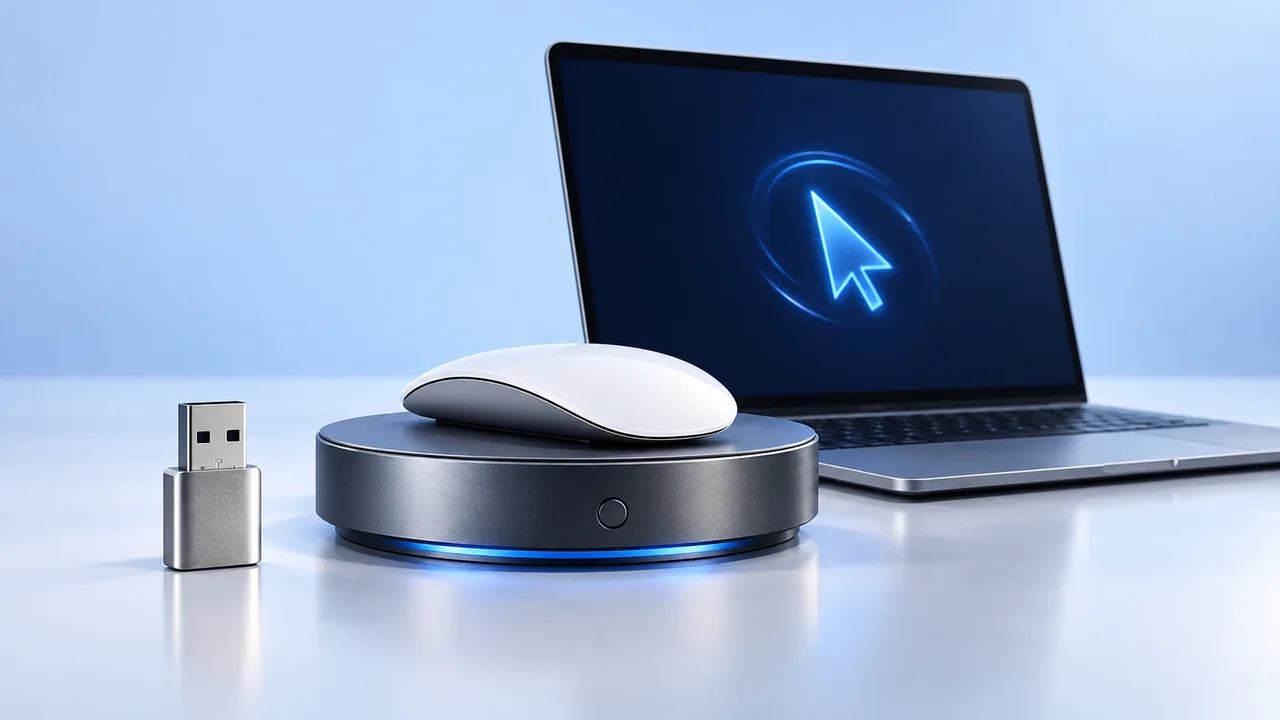
USB Mouse Jiggler vs Mac App: Which Should You Choose?
UpdatedCompare USB mouse jigglers, mechanical mouse movers, and Mac apps. Understand setup, scheduling, permissions, and what to check before choosing.
Read the guideNo guides match that search. Try “sleep” or “schedule”, or clear your search.