Keep your hours.
And your Mac awake.
Choose when movement starts, when it stops, and which days it repeats. A little routine that fits around yours.
FROM09:00
TO18:00
MTWTFSS
A mouse mover for Mac, quietly at home in your menu bar. Keep your Mac awake while you read, follow a dashboard, or supervise a task. Choose your movement range, find your rhythm, and set a time to stop.
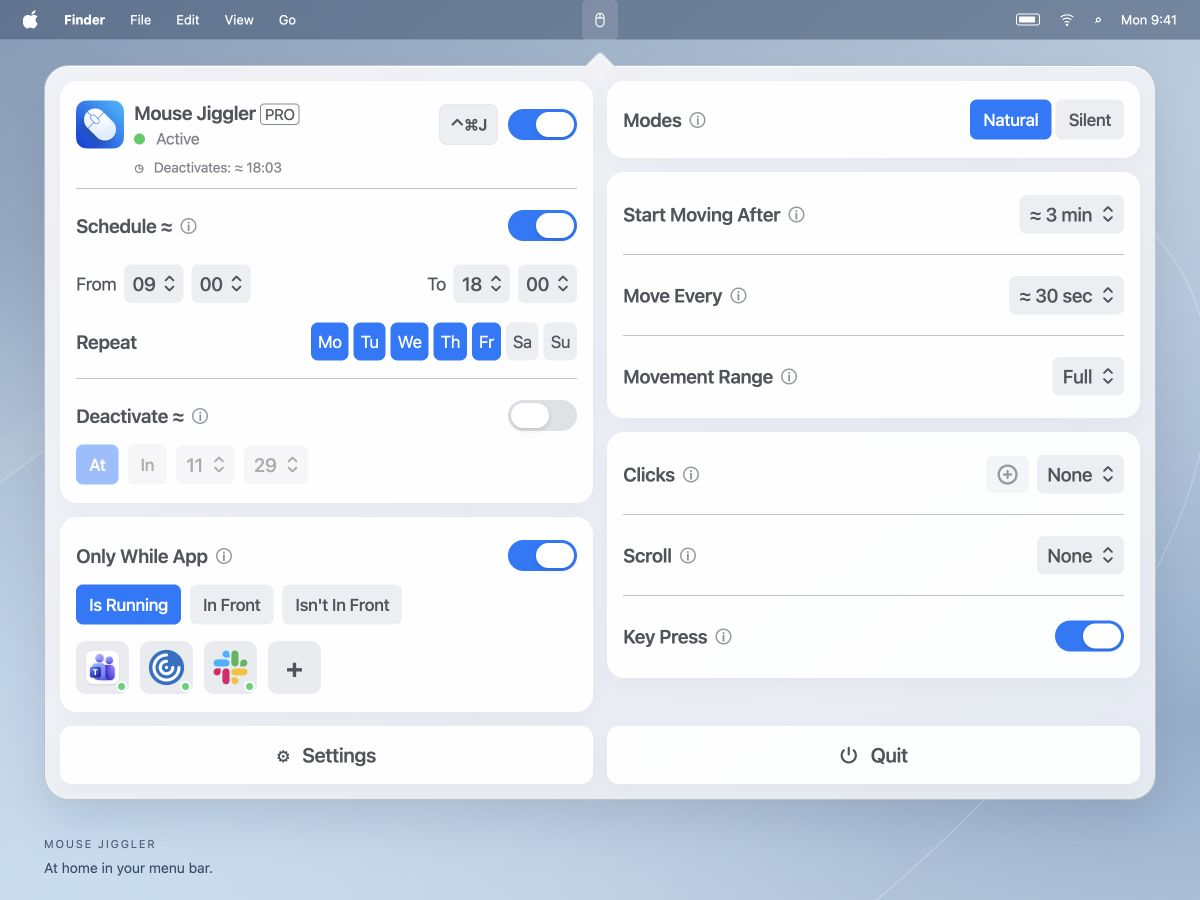
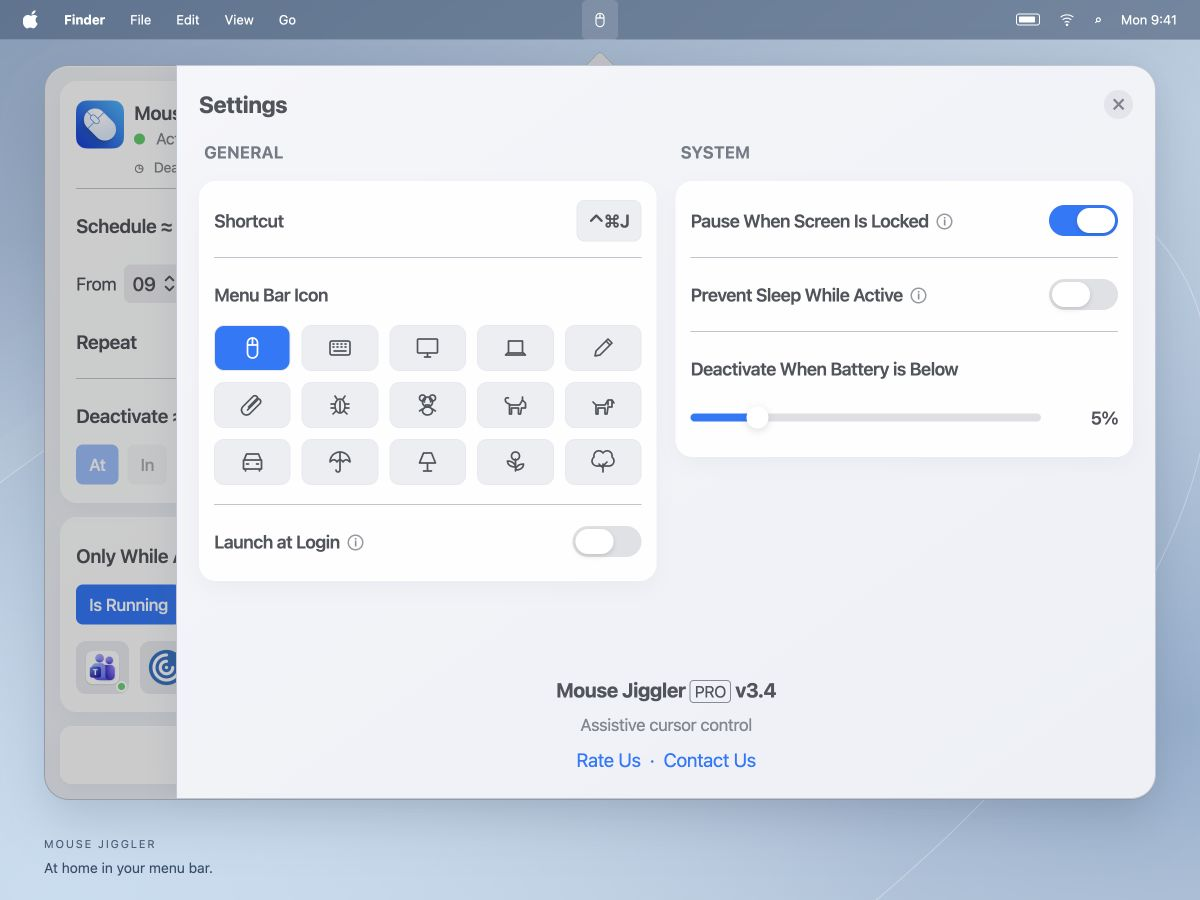
Everything you need for a deliberate awake session, without filling your desktop.
Choose when movement starts, when it stops, and which days it repeats. A little routine that fits around yours.
Choose Natural or Silent mode. Set your Movement Range, then fine-tune the idle delay and movement interval.
Set a deactivation time or duration. Add app conditions and a battery threshold.
Choose Is Running, In Front, or Isn’t In Front for your selected apps.
Choose a keyboard shortcut and a menu-bar icon that feels like you.
Review Prevent Sleep While Active, screen-lock pausing, and automatic low-battery deactivation.
Some controls require PRO. Current availability and prices are listed in the app.
Some work happens without a hand on the mouse. Give those moments a little more room.
Find your best setupKeep a reference on screen while you work through the details.
Follow a dashboard or monitor a task during quiet stretches.
Set a planned session while you supervise an export or transfer.
A familiar Mac app, with the controls right where you expect them.
Download from the Mac App Store, then open Mouse Jiggler from your menu bar. Installation walkthrough ↗
Enable input access in macOS: Device Control and Data Access on macOS 27, or Accessibility on earlier versions. Follow the setup guide ↗
Choose a mode, movement range, and timing, then let the idle delay pass. Set a schedule ↗ or follow our troubleshooting steps.
Five essentials, always close at hand.
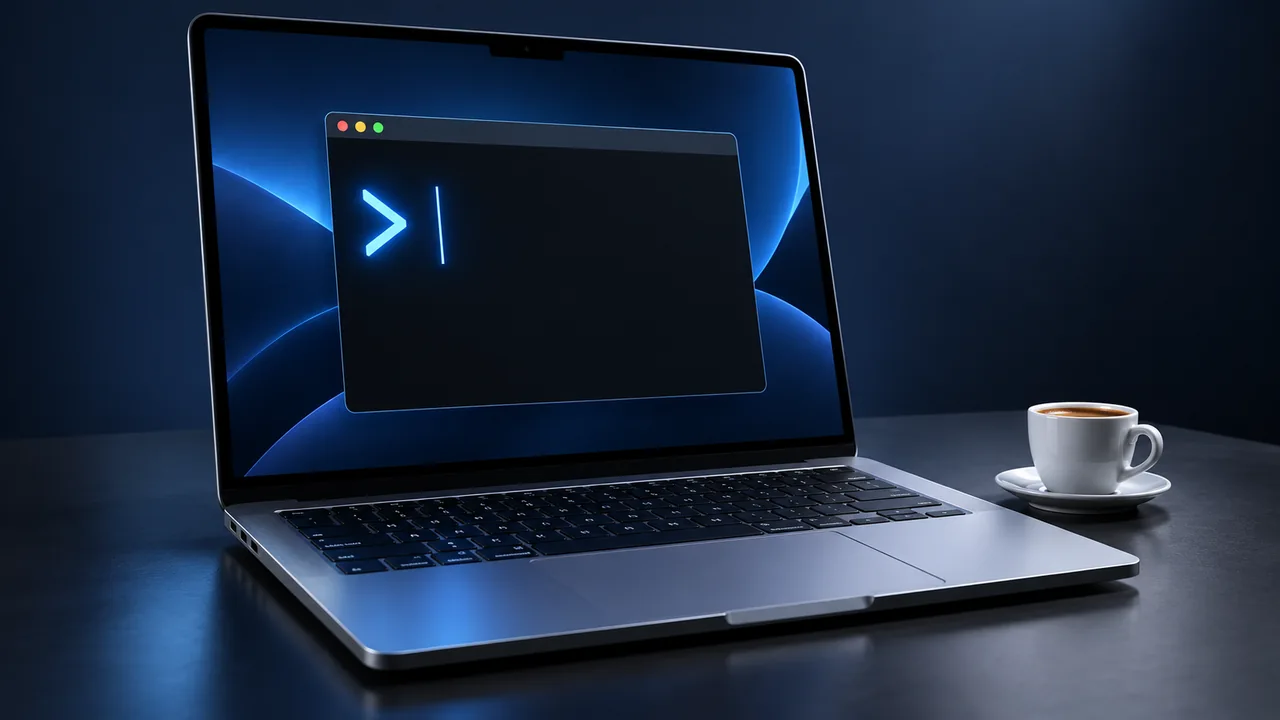
Use the Mac caffeinate command with practical -i, -d, and -t examples. Keep the screen or system awake, verify the request, and stop it with Control-C.
Read the guide
Keep the right Mac awake during SSH, check the sleep assertion, and distinguish a sleeping host from a broken connection or a stopped job.
Read the guide
Use Activity Monitor and a read-only Terminal check to identify sleep-prevention requests, then verify that your awake session has ended.
Read the guideMouse Jiggler provides automatic cursor movement to help keep your Mac active during periods without manual input. You can configure the movement range, idle delay, movement interval, schedules, and stopping conditions from the menu bar. Settings also includes a separate Prevent Sleep While Active switch.
The app is free to download, with optional PRO features. Check the Mac App Store listing for current features, regional pricing, and compatibility.
macOS requires your permission for an app to control pointer movement and other input actions. In Privacy & Security, this is called Device Control and Data Access on macOS 27 and Accessibility on macOS 13–26. Our setup guide shows how to enable or revoke access.
Yes. The interface includes an idle delay, a movement interval, weekday schedules, At / In deactivation controls, and conditions for selected apps. Some controls require PRO. See the scheduling guide.
Do not rely on it to override closing your MacBook. Lid behavior depends on your Mac and supported external-display setup. Test with the lid open and allow for normal lock and power behavior.
No particular presence status is guaranteed. Those apps use their own activity, calendar, and account rules. Mouse Jiggler controls cursor behavior on your Mac; it does not control other services.
According to the app’s privacy policy, keyboard activity is used to detect active interaction without recording typed text. App preferences are stored locally.

Make room for the work in front of you.
Download for MacFree to download · Optional PRO features