“Undetectable” is a marketing claim unless it names a specific observation method and provides evidence. Hardware visibility, installed apps, input behavior, and online presence are different questions. No product category alone proves that its use is invisible.
Ask what “detected” means
A claim may refer to a list of installed applications, a connected-device report, a pattern of cursor movement, or a messaging service’s activity indicator. Evidence about one of these does not settle the others.
Before comparing products, ask the seller to define the claim. Which operating system, tool, version, settings, and test were used? A broad promise without those details is not a result you can reproduce.
A USB device has an identity
macOS System Information can show connected USB hardware. Keelog’s AirDrive quick-start documentation, for example, illustrates its device appearing with USB identification details on a Mac.
Being recognized as a mouse does not mean the device has no observable identity. It also does not establish what any particular organization collects or reviews. A device report and a claim about a specific monitoring system are separate pieces of evidence.
A mechanical platform changes the connection, not the question
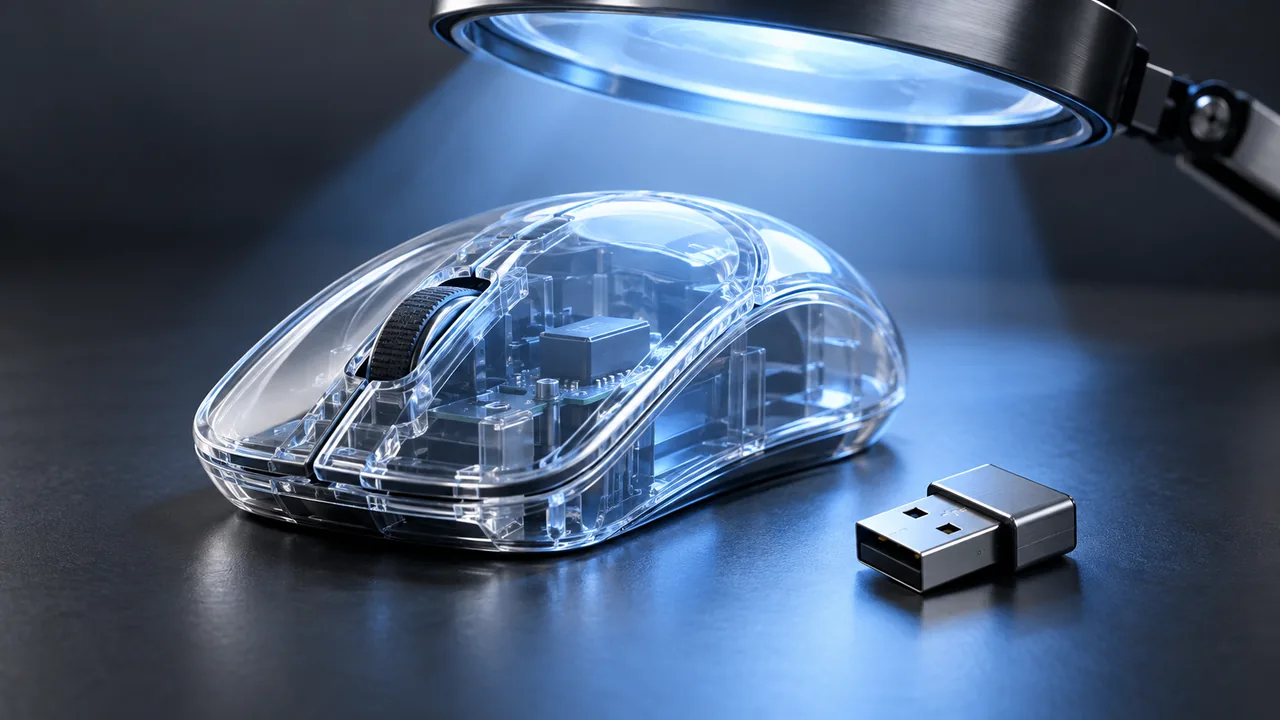
A platform moves a surface beneath an existing mouse. That differs from a dongle sending input directly over USB. It is a useful distinction when comparing how products work.
It does not logically follow that every kind of observation is impossible. A claim about a missing software installation cannot prove anything about all other observations. Our hardware comparison focuses on setup and controls rather than promises of invisibility.
An app’s permissions are visible choices
A native input utility is installed software and may need permission to control the Mac. Review the app, its source, its controls, and its privacy information in the normal way.
For Mouse Jiggler, see the download-source checklist and permission guide. Renaming an icon or choosing a different menu-bar symbol is a presentation preference; it is not evidence of invisibility.
An Available status is a different issue
Keeping the display on or moving a pointer does not establish that a messaging service will show a particular status. Microsoft describes Teams presence as depending on factors such as activity, app state, calendar information, and manually set status.
A successful test at one moment does not guarantee the same result in every client or account. Our Teams Away guide explains the distinction without treating cursor movement as control of the service.
Choose measurable behavior instead
Replace a vague promise with questions you can actually check: does the tool provide the needed movement, does the session end when intended, and does the task continue as expected? On work equipment, use an arrangement consistent with the device owner’s rules.
We do not describe Mouse Jiggler as undetectable. Its purpose here is deliberate cursor movement and controlled awake sessions. Use the session-settings guide to define and check that behavior.
If deliberate movement and clear stop controls are what you need, download Mouse Jiggler on the Mac App Store. We make no promise that its installation or activity is invisible.
Evaluate behavior you can actually check.
Compare movement, permissions, timing, and stopping controls against your task and the device owner’s rules.
Use the Mac app selection checklistView Mouse Jiggler on the Mac App Store · Free to download, with optional PRO features.